Write, speak, draw and graph maths equations — anywhere
SumIt is a browser-based equation studio for students, teachers and researchers. Type in LaTeX, dictate by voice, handwrite on a touchscreen, calculate, plot functions, render chemistry — then copy or export anywhere. No account. No data leaves your device.
- GCSE, A-Level & IB
- Teachers & lecturers
- Researchers
- Accessibility-first
Pick the way that suits you — or your pupils
Every input style, every level, every device. Switch modes with one click in the menu drawer; your work moves with you.
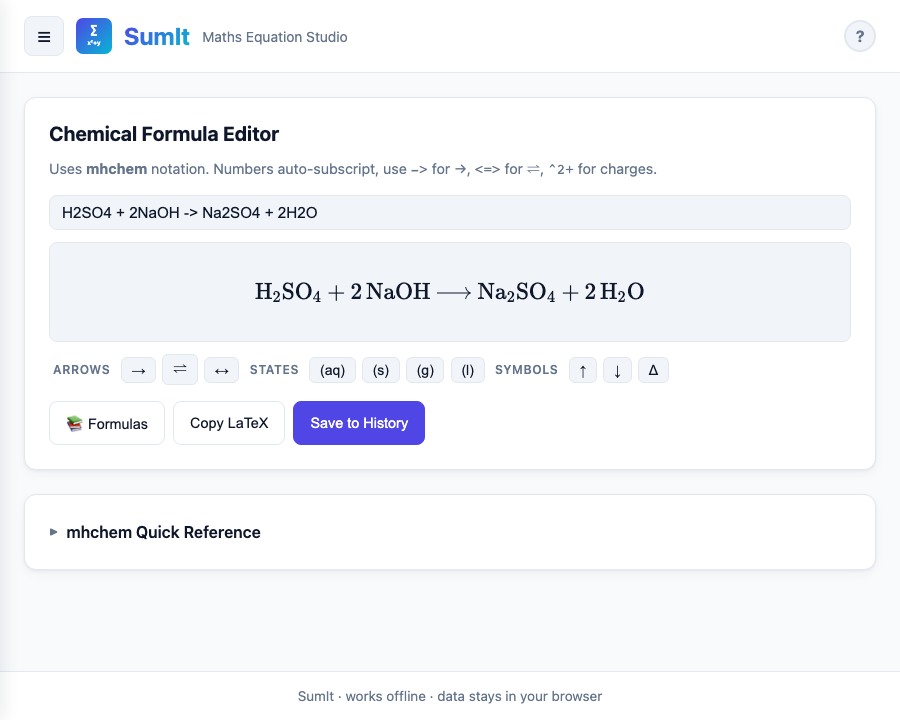
H2SO4 + 2NaOH and SumIt renders proper formulae.
Designed for real maths workflows
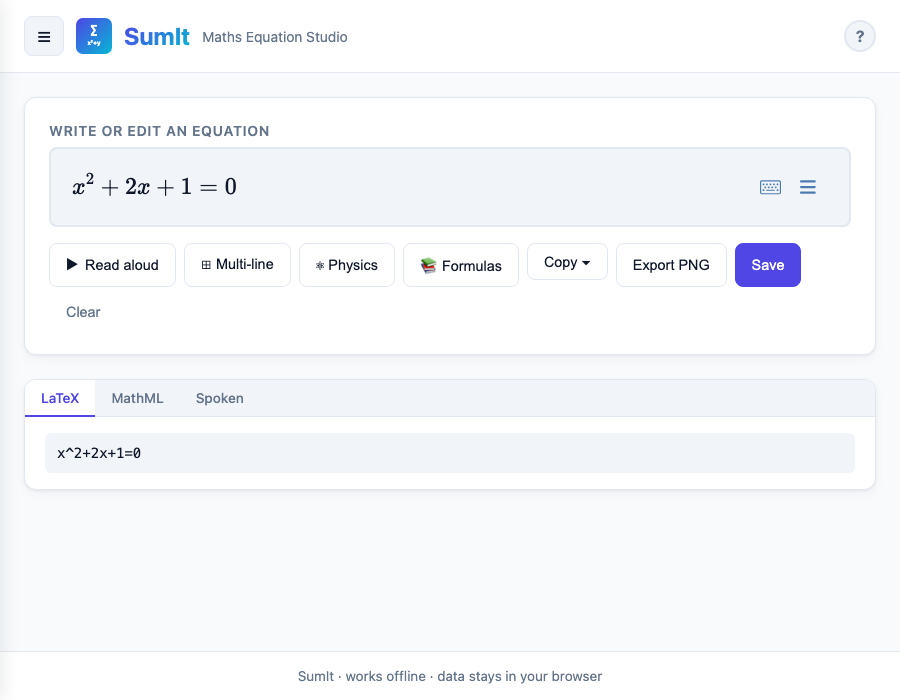
Type or paste — with smart autocomplete
The Editor is built on MathLive. Type LaTeX, use keyboard shortcuts, or paste from
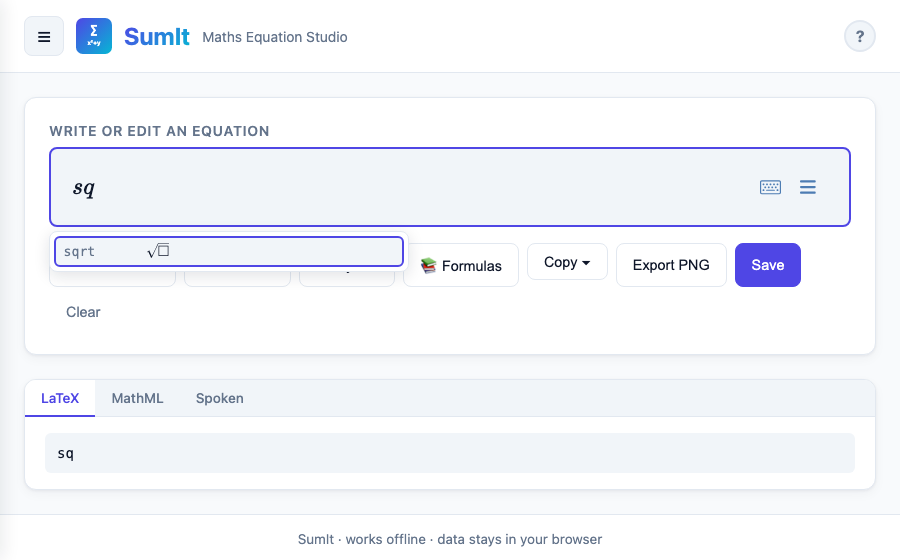
Word. Type the first three letters of a named formula and SumIt suggests it —
from sq for square root to schrod for the Schrödinger equation.
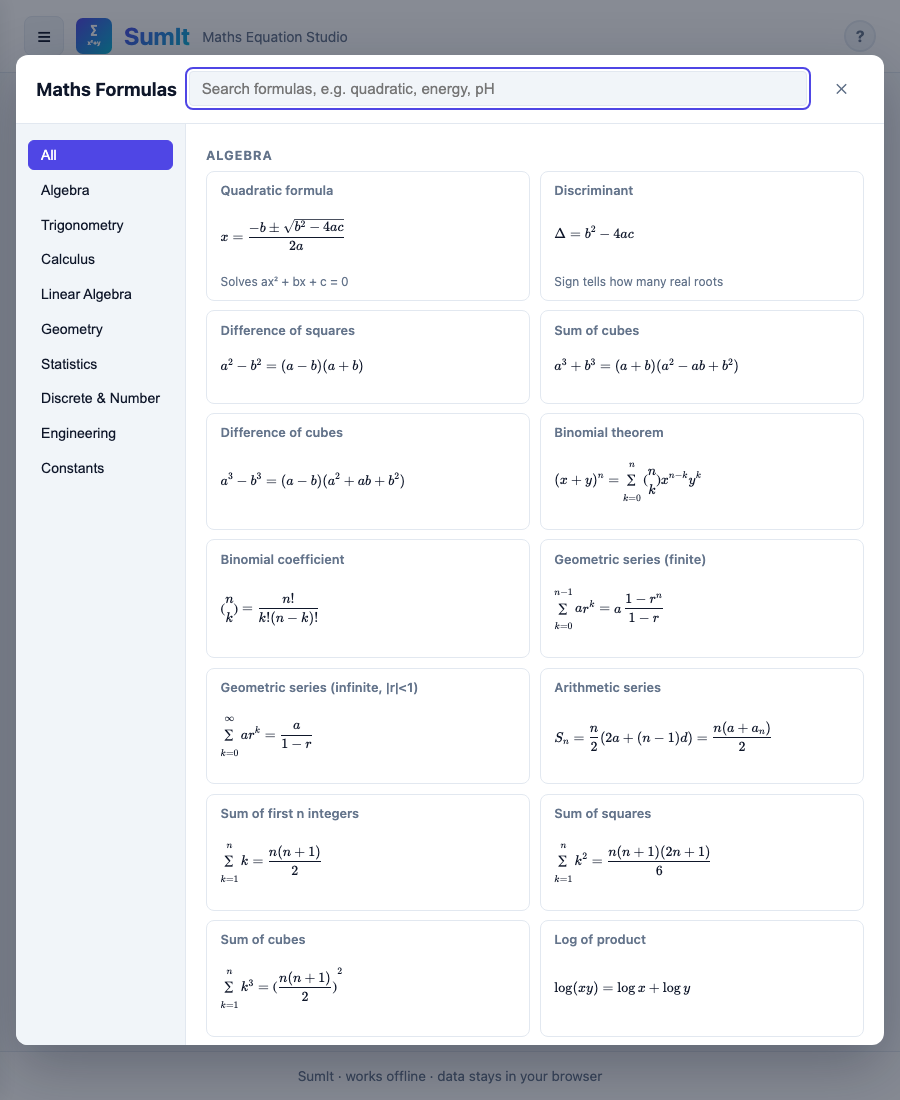
300+ named formulas, filtered by level
Algebra, trig, calculus, statistics, mechanics, electromagnetism, thermodynamics, optics, chemistry — all searchable, all with rendered previews. Filter by age (≤ 16, 16 – 18, University) or by syllabus (GCSE, A-Level, IB) so pupils only see what's relevant to them.
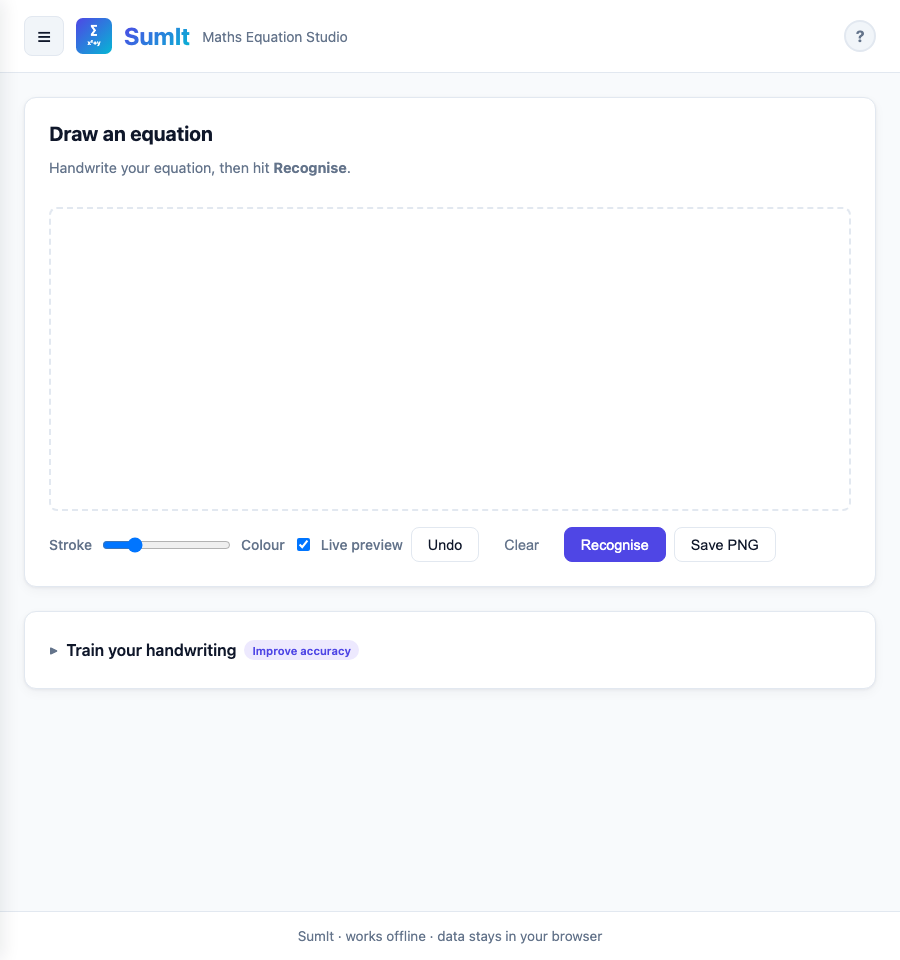
Draw equations by hand — recognised on-device
Sketch with a finger, stylus or trackpad. Two recognisers ship with SumIt: a fast template matcher for everyday symbols, and a neural-network model for messier handwriting. Both run entirely on your device. No images leave the screen.
Graph and sonify functions
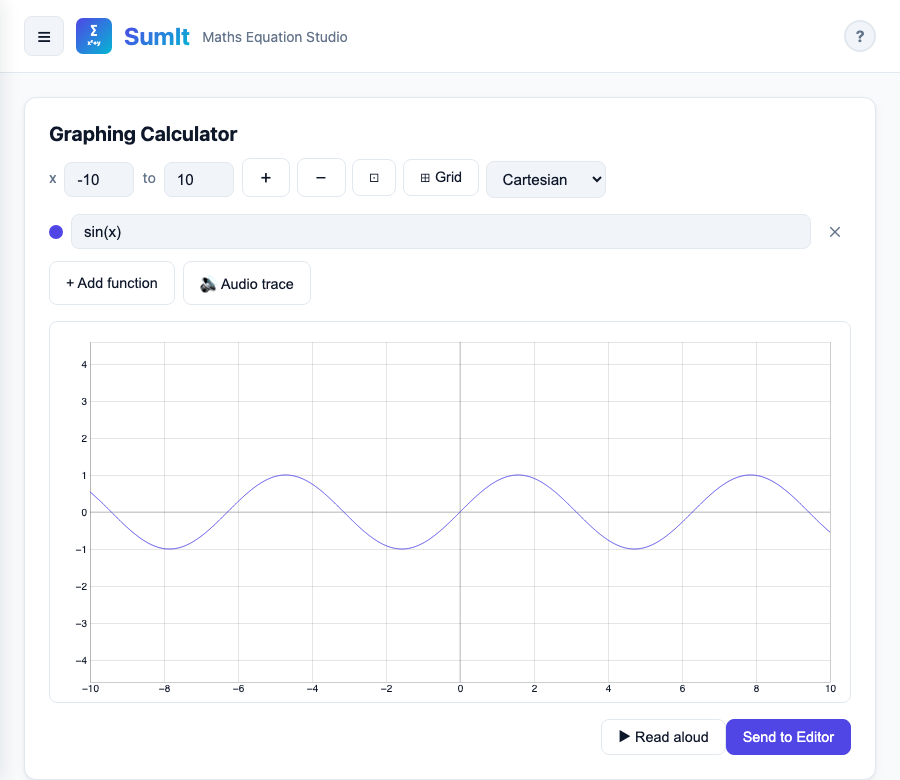
Plot up to six functions simultaneously in Cartesian, polar or parametric form. Audio-trace any curve to hear the shape — useful for teaching, and essential for visually-impaired pupils.
Render chemistry too
Type ordinary chemistry shorthand
(H2SO4 + 2NaOH -> Na2SO4 + 2H2O)
and SumIt renders proper subscripts, charges, and balanced equations
via the mhchem package.
From blank slate to clean equation in four steps
-
Open SumIt
Any modern browser. No download, no install, no account. Works on phone, tablet, laptop and Chromebook.
-
Pick a mode
Editor for typing, Dictate for speaking, Draw for handwriting, Scientific for calculating, Graphing for plotting.
-
Build the equation
Use the formula library if you'd rather pick from a list. Switch on Physics for mechanics, E&M and quantum.
-
Copy or export
LaTeX, MathML, Word-friendly equation, or PNG. Pastes cleanly into Word, Pages, Google Docs, Canvas, Moodle.
Built for the people who reach for maths every day
GCSE, A-Level, IB and undergraduate. Fast equation entry for homework, revision notes, exam practice and lab reports.
Build worksheets, write maths into slides, prepare exam papers, project clean equations during a lesson.
Sketch a derivation, copy LaTeX into a paper, or check a plot before reaching for a heavier tool.
Dictate by voice, navigate by keyboard, switch to high-contrast themes, have answers read aloud.
A scratchpad and calculator that talks the same language as Khan Academy, Brilliant or your textbook.
No install, no IT approval, works offline once cached. Drops into Google Classroom or any LMS.
A safer, kinder equation tool
Unlike a lot of online maths tools, SumIt isn't built around an account or an advert pipeline. It's a Progressive Web App that loads once and then keeps working — in a classroom with patchy WiFi, on a train, on a tablet at home.
Available on every major platform
Ready to write some maths?
Offline-first. No account required. Open it once and bookmark it — that's all.